Electrical quantity takeoff with AI
A Finnish solution for electrical contractors. Count the quantities in electrical drawings automatically, finalise the result and download the report.
Switchboard takeoff is now included as well
The demo takes 20 min and carries no obligation.
Any questions? Write to us at hello@tasma.ai
How it works
Upload a PDF drawing and the AI recognises the symbols. The user checks the result, finalises the file and downloads the report.


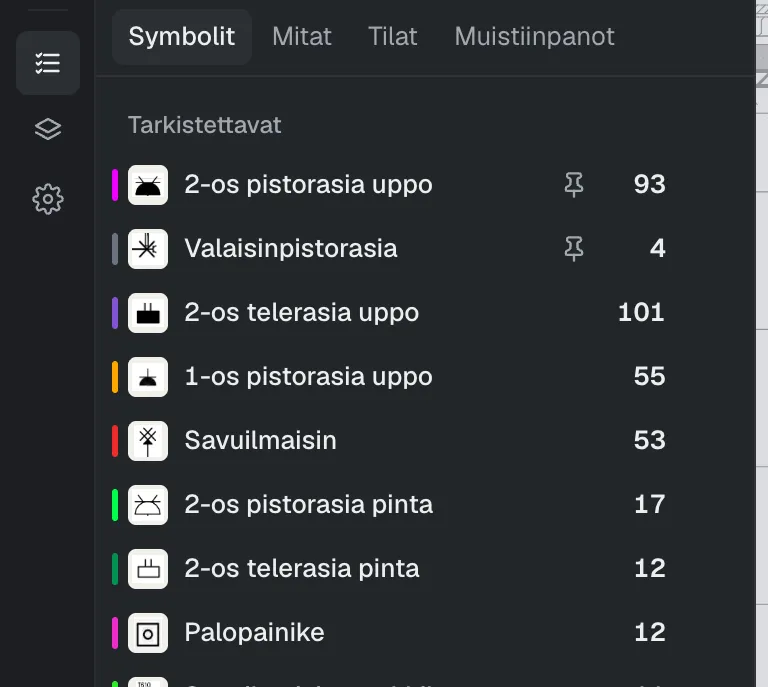
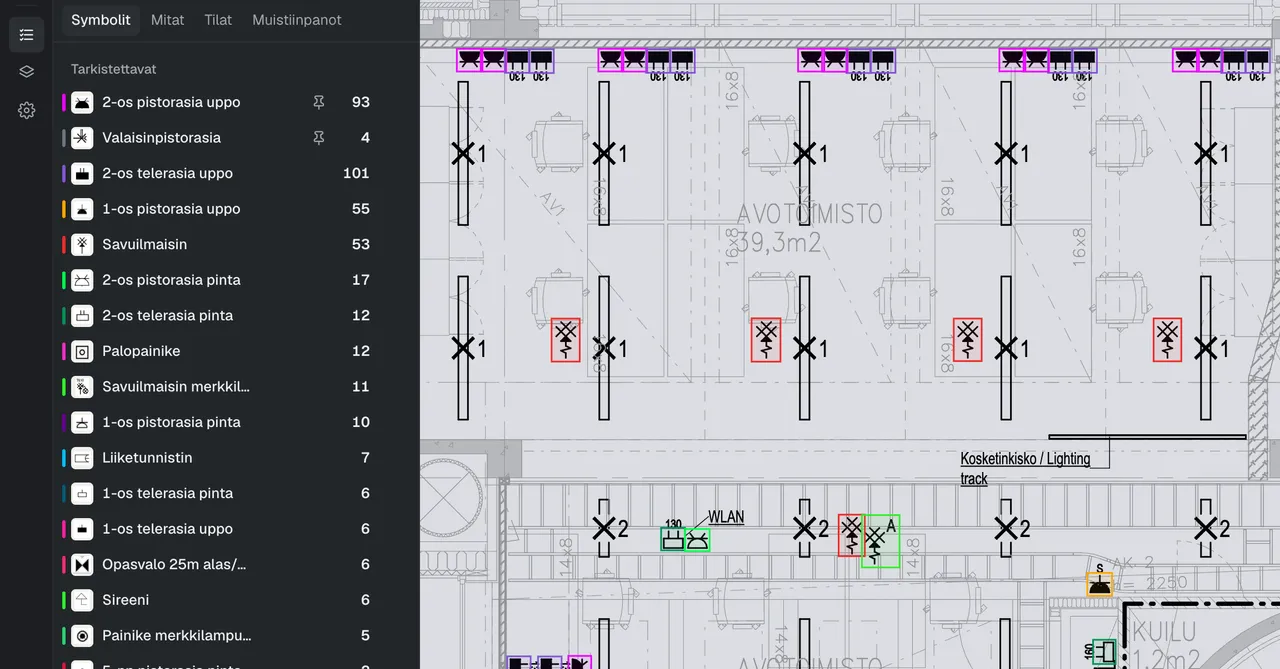
Upload a PDF and symbol recognition starts automatically. You can add several files at once. Every symbol found is marked on the drawing’s checklist and on the map.
1Recognise
The AI recognises and counts the symbols
Upload a PDF and symbol recognition starts automatically. You can add several files at once. Every symbol found is marked on the drawing’s checklist and on the map.
2Check
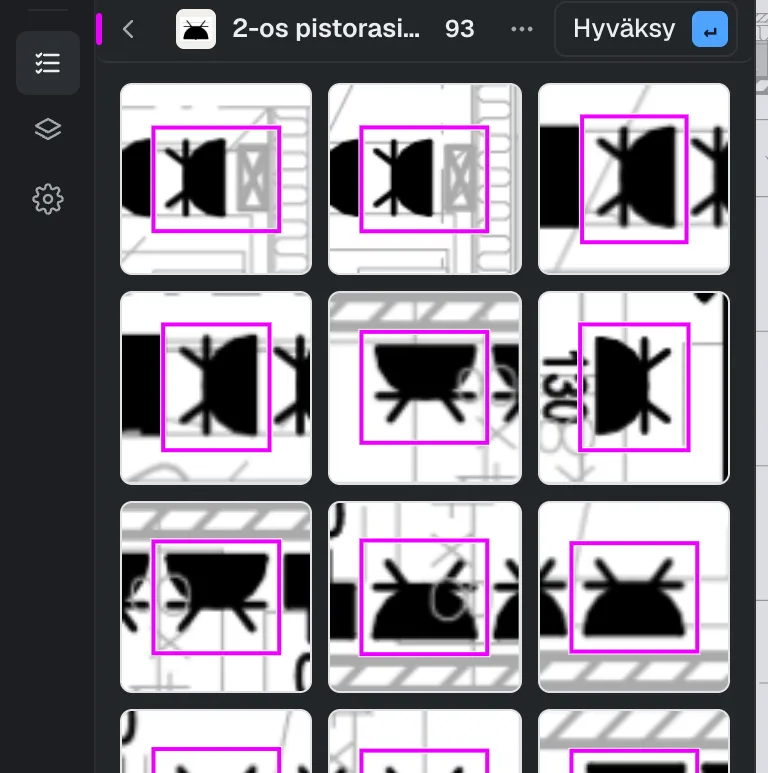
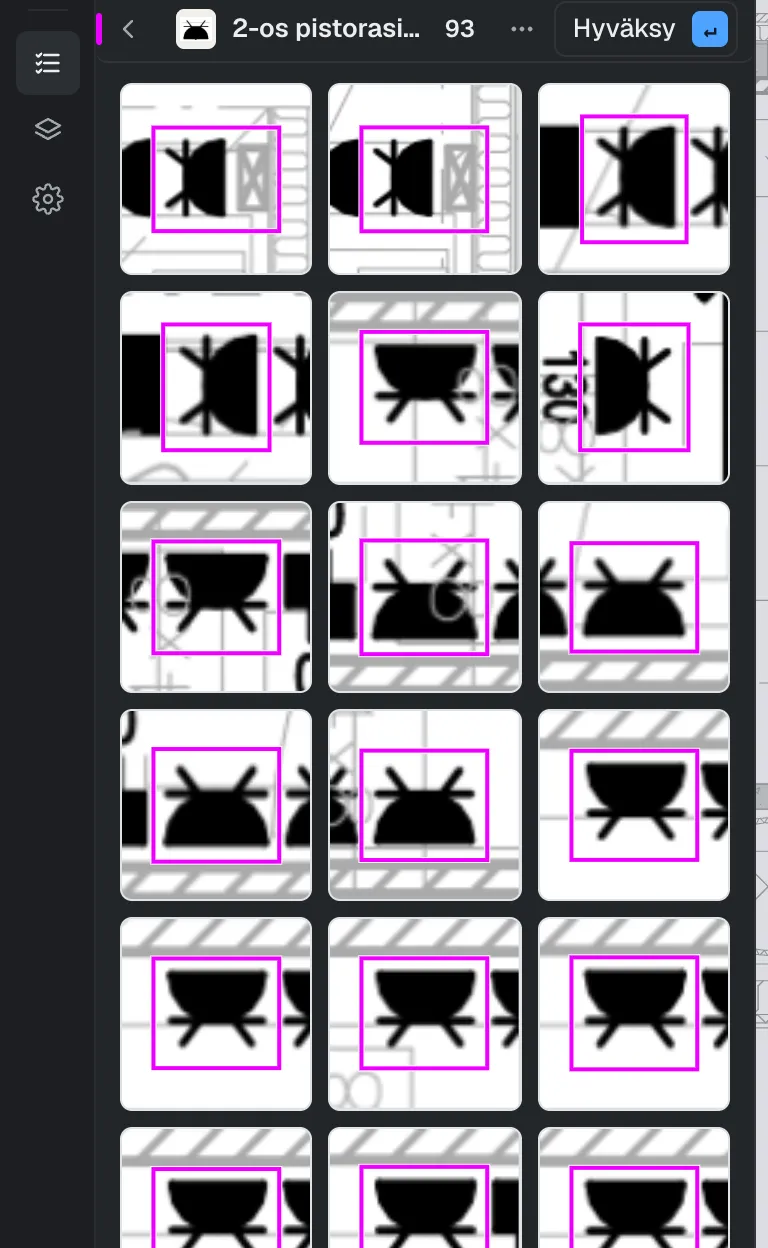
Review the recognised symbols in the checklist
Matches of the same type are grouped together on the checklist. It is easy to go through them one by one and make any changes needed.
3Find
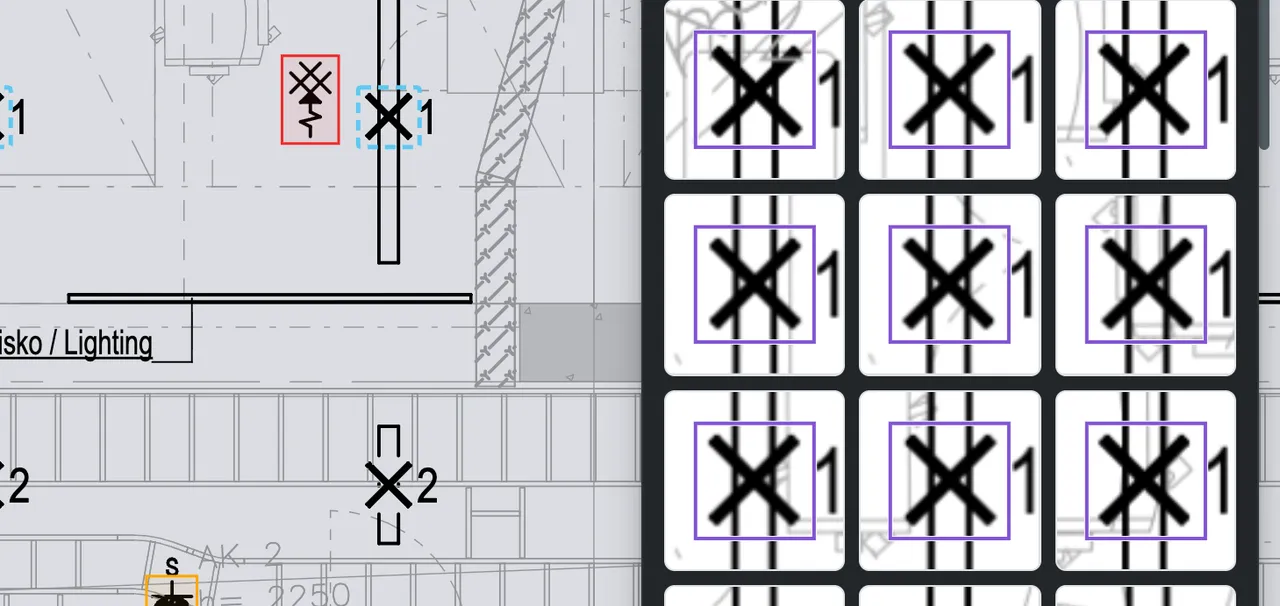
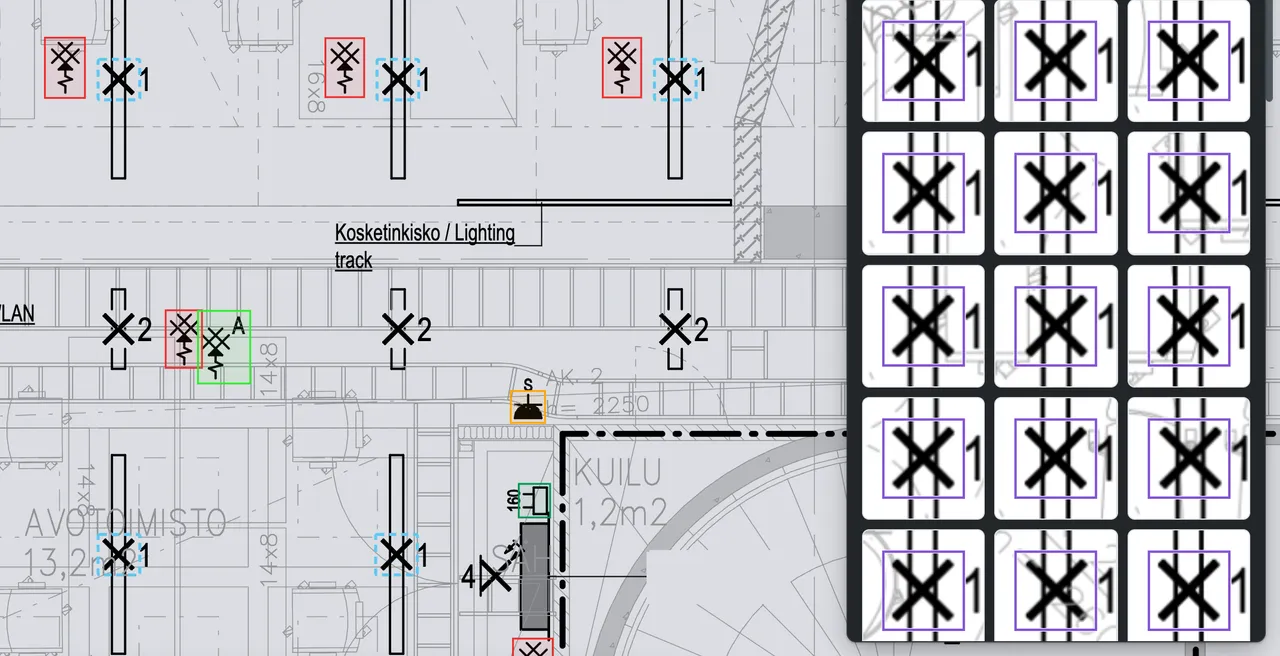
Find similar
If a symbol was not recognised, draw a box around it and the similar ones are found in the drawing.
4Measure
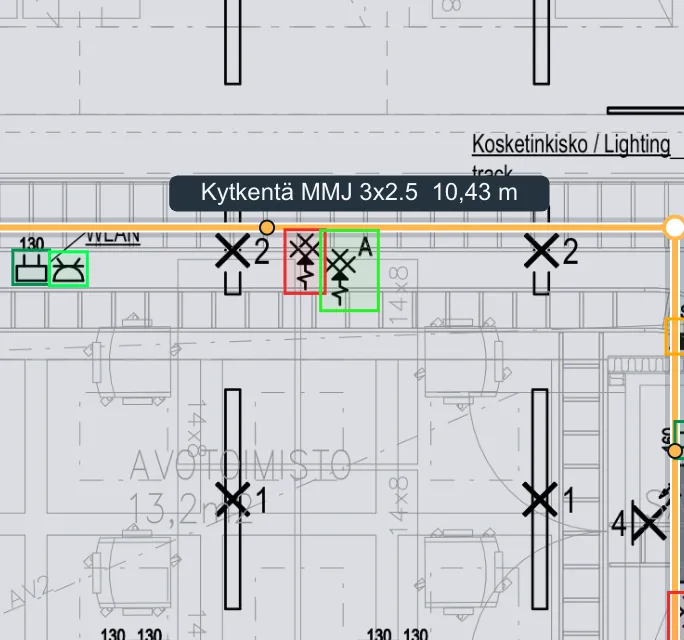
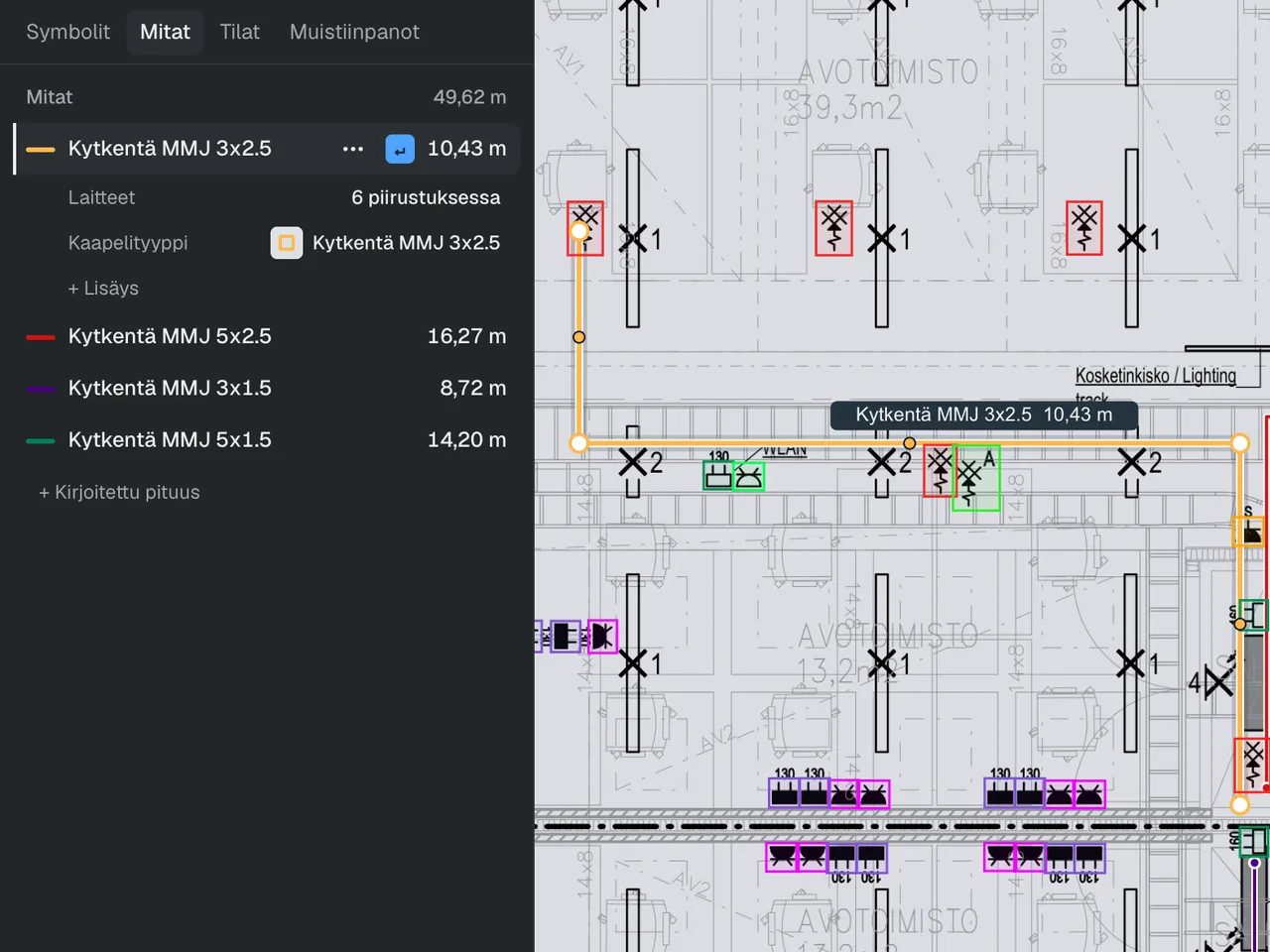
Measuring from the drawing
The tool recognises cables and cable routes, so measuring is quick. The user only needs to click the right shapes. The software has all the usual measuring tools: setting the scale, managing measurements flexibly and easily adding installation allowances, extra lengths and rises.
5Report
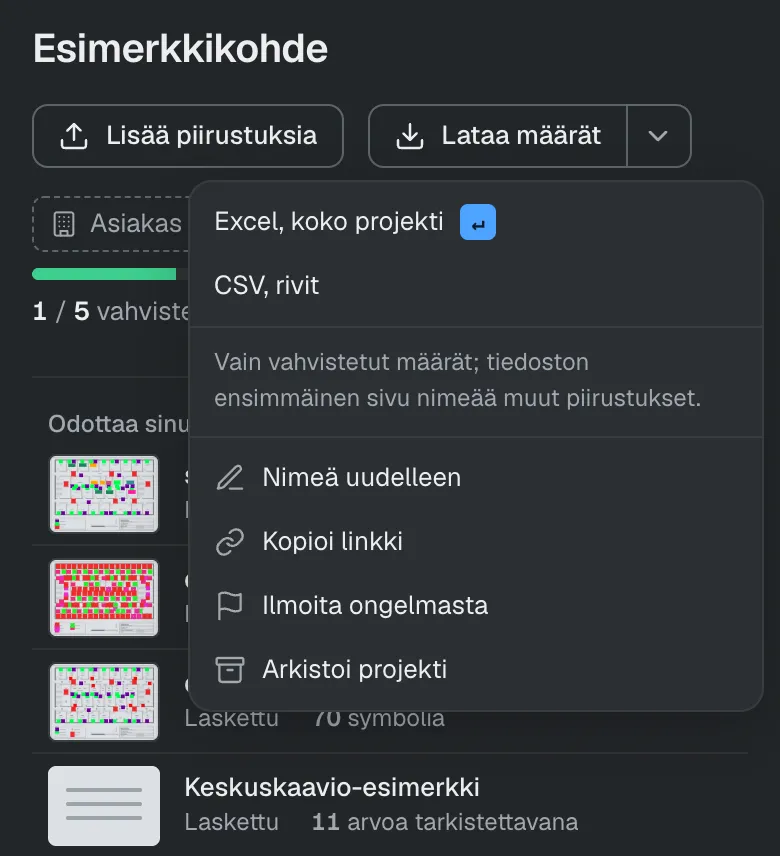
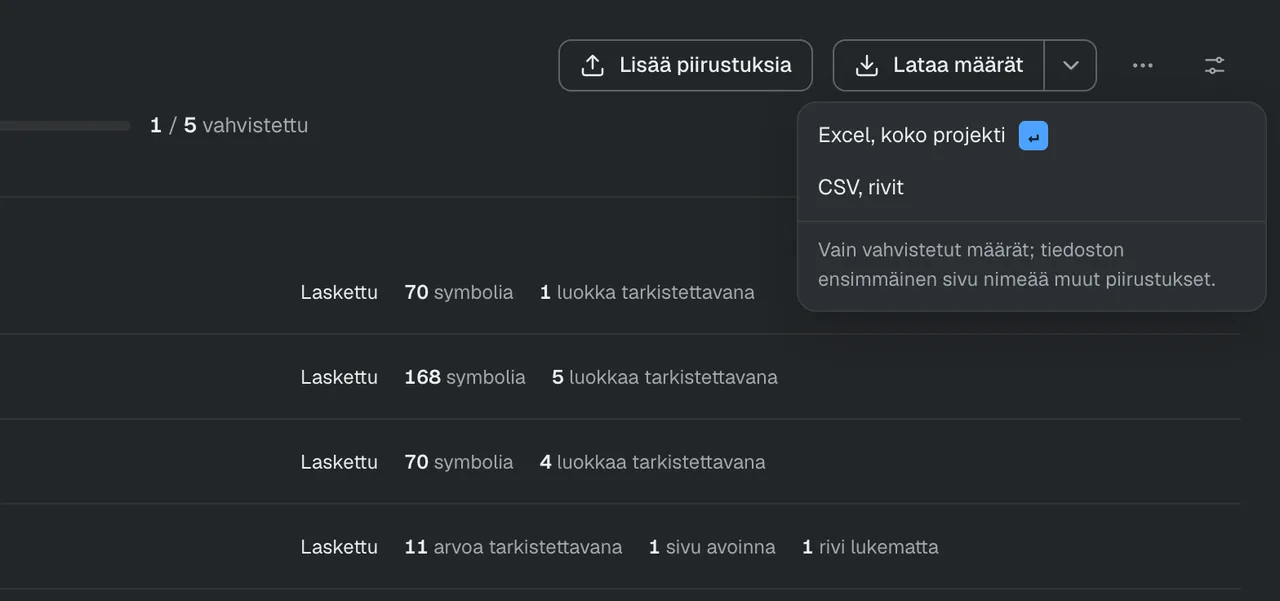
Download the report
The takeoff is complete. Download the quantities as an Excel file or in another format of your choice (e.g. CSV, PDF). On request, we will make the report exactly the way you want it. That way it fits how you finish a takeoff in practice, and it works with other software too.


Would you like to see these steps on your own drawing?
Quantity takeoff wastes time
Tasma is designed to save electrical professionals time. Symbol recognition, assisted measuring and the search tools save users hundreds of hours a year. The modern interface makes it easy to get started, and new features are developed quickly. Frequently requested features are made available for users to test within the same week.

Continuous performance testing
Test period 30 September–1 October 2026
- 88
- Harder-than-average floor plans
- Over 95%
- Found over 95% of the symbols in the test set
- 23 000
- Over 23,000 symbols recognised in the test. Estimated time saved: about 150 hours
Features
Symbol recognition, measuring and reports. All in one tool.
Automatic symbol recognition
The AI recognises the symbols on floor plans, such as sockets, switches and detectors, and counts them by type. Works with both vector PDFs and scanned PDFs.
Measuring tools
Draw a cable route on the drawing. In a vector PDF you can also click the cable line and Tasma follows it. The length is calculated in metres from the drawing’s scale.
Excel and PDF reports
Quantities and item codes to Excel, with measurements on a separate tab. Marked-up PDFs for checking.
CSV file
Quantities as a CSV file for your own estimating software.
For partners
Software vendor or reseller? Let us know if you would like to offer Tasma quantity takeoff to your own customers. Write to us with the subject line Partnership
Frequently asked questions
How well does recognition work in practice?
The easiest way is to try it yourself on your own drawings. In the latest tests, Tasma found over 95% of the symbols it has been trained on, using large files that were harder than average. Symbols the tool does not find can be found with a separate search tool, so the takeoff is quick either way.
How do I get started?
Book a demo and we’ll go through the tool on a call. At the same time, we set up accounts for your company that you can start using straight away.
How much does Tasma cost?
You can ask for more details on pricing in the demo or by email at hello@tasma.ai
Does Tasma read switchboard diagrams?
Yes, switchboard drawings have their own precise counting tool and assisted checking.
What kinds of drawings work?
Vector PDF, scanned PDF and PNG, JPEG and WebP images.
Which symbols does the tool recognise?
The 100+ key electrical symbols, such as sockets, switches, smoke detectors and manual call points.
Does it find the symbols even though every designer draws them in their own way?
Yes, it does. We have gone through the requirements and the ways symbols vary with industry experts. If the tool does not find a symbol, a separate search tool is there to help.
Does it work with our estimating software?
The final report is available as Excel, CSV and PDF files. In addition, we can tailor the report to suit users’ needs.
How is data security taken care of?
Tasma is GDPR compliant. Your data stays in the EU, and the connection to the service is secured with SSL. Data security and data processing are described in more detail in the terms of use.
Is Tasma available in Finnish?
Yes. Tasma is available in Finnish and English. On request, we can add more language versions.
Do we need to install anything?
No need. Tasma runs in the browser.
Book a personal demo
In the demo we go through your drawing together, and you can compare the quantities with your own calculations. The demo is free and carries no obligation.
How the demo goes
- You book the demo using the form.
- We usually reply within one working day and confirm the time.
- In the demo we go through your drawing. You will see how the AI recognises the symbols and how they are checked one type at a time.
- When you decide to start, we set up accounts for your company.
Choose a drawing you are allowed to share. A project you have already estimated works best. If you don’t have a suitable drawing, we will run the demo on a sample drawing.
Software vendor or reseller? Write to us with the subject line Partnership
Who makes it
Tasma is made by Täsmä AI Oy
Täsmä AI Oy is a Finnish software company that develops the Tasma software full time.
Tasma has been developed together with Finnish electrical contracting experts.